Application Control
Only software you approve is allowed to run on your machine.
Five Security Tools In One Platform
Most organisations maintain five different security products to safeguard devices. There is no additional software, no additional subscriptions, and no gaps in ArmOS when it comes to capabilities; they are all pre-installed on a single platform.
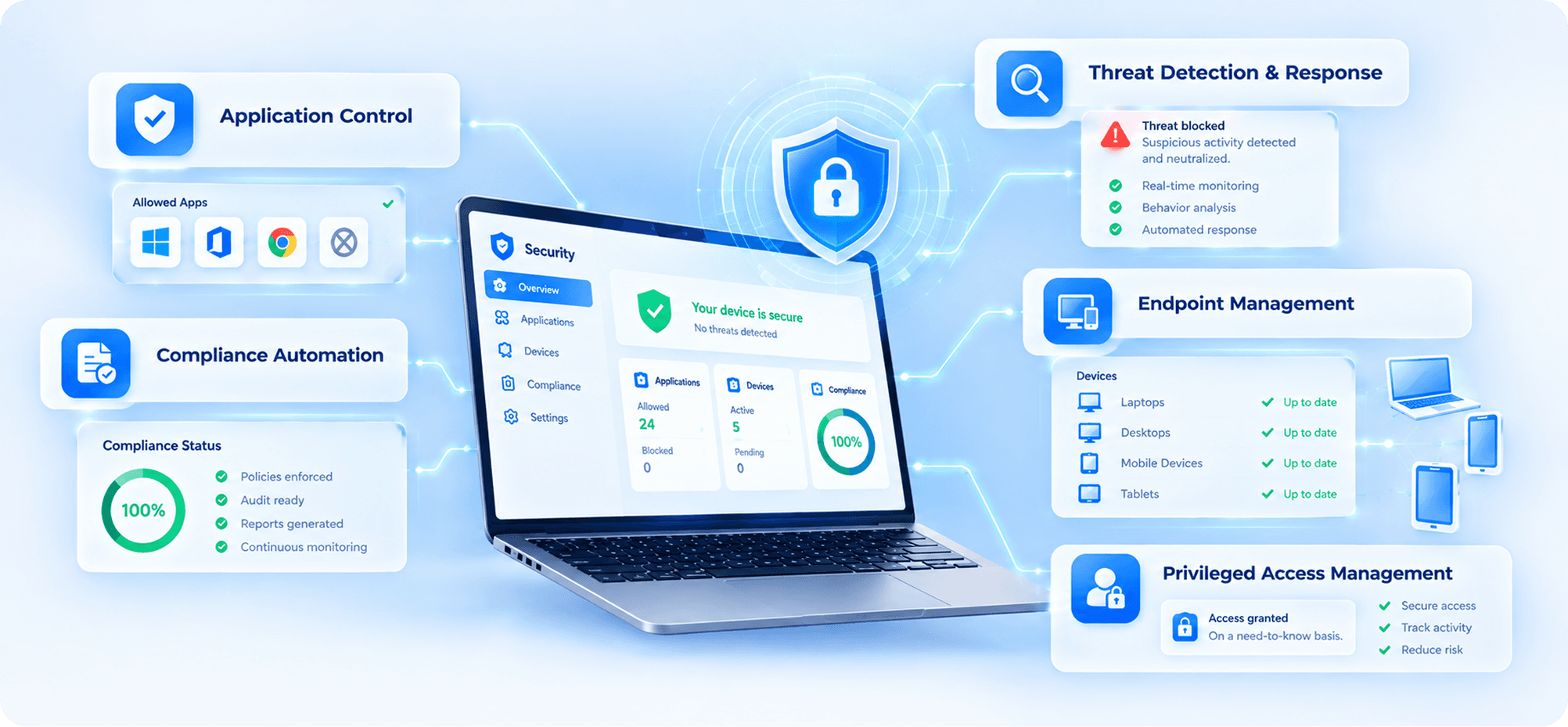
ArmOS comes with everything in one integrated platform, installed, configured, and ready from the time you boot up, saving you the trouble of purchasing and maintaining numerous security products.
Only software you approve is allowed to run on your machine.
Continuous monitoring that identifies threats before infliction.
Keep all devices up to date and in control.
Know your compliance status at any time, without manual audits.
Shield sensitive information. Access granted on a need-to-know basis.
One toggle secures all major attack vectors when you need it the most. Lockdown Mode is meant for advanced attacks. Turn it on, and ArmOS locks doors that advanced threats are trying to break through.
With a fully open and fully auditable Lockdown Mode built-in, ArmOS becomes the first Linux-based OS to have a built-in equivalent.
All Wired Data Connections disabled when locked. Tools that plug into a device via a USB-C or Thunderbolt port can't access it.
Attachment, link preview and rich content rendering are disabled. These are the most common vectors of attack that don't need your interactions.
By default, connections coming from unrecognised sources will be blocked. Only known devices can connect to your device with your permission.
No new configuration profiles are allowed to be installed without your approval. The built-in policy engine is used to lock policies.
By default, the browser will limit the use of JavaScript, which will lower the odds of browser-based exploits.
All blocked attempts are recorded, and an alert is sent. You always know what was tried and when.
Most software encryption methods today will be defeated by quantum computers. ArmOS employs post-quantum cryptography, which is encryption that is impervious to growing computing power.
With a fully open and fully auditable Lockdown Mode built-in, ArmOS becomes the first Linux-based OS to have a built-in equivalent.
Full disk encryption is enabled on boot for the first time; the key stored in your device's hardware security chip.
These are disk volumes that are encrypted using MLDSA for data with the highest sensitivity.
All token and chain transactions are secure with ARMwallet.
You have VPN Tunnels that are encrypted post-quantum
TLS/SSL certificates are upgraded to post-quantum certificates.
All communications between devices are Post-Quantum Encrypted using P2P Local Groups.
Your drive is encrypted with a hardware TPM (Trusted Platform Module)
A secure module that is not readable by software & is located on your motherboard. Physical authentication is also supported natively with SoloKeys hardware passkeys.
Join developers and businesses already building on ArmOS. Free to download. Free forever for personal use.