Linux Kernel 6.x LTS
This is the foundation of the operating system, which communicates directly with your hardware. Keeping the foundation stable and proven, ArmOS makes only changes that will help its own features.
Most operating systems are black holes; you use the boxes without knowing what is going on in them. ArmOS is different. All layers are documented, all components are well selected, and nothing is hidden.
ArmOS doesn't compile the kernel. Rather, it relies on two of the most trusted foundations in computing, the Linux kernel and Ubuntu, and puts the rest of the world on top of them:
This is the foundation of the operating system, which communicates directly with your hardware. Keeping the foundation stable and proven, ArmOS makes only changes that will help its own features.
Ubuntu is concealed, but it provides ArmOS with a vast software library, extensive hardware driver support, and five years of assured security upgrades. It builds what is new and inherits what works.
This is where it really gets done. All of the things that make ArmOS unique: P2P networking, post-quantum encryption, security, AI, portable device system, ARMtoken, and developer tools are here.
This enables operating systems to be run inside ArmOS. Looking to run Windows Server for an on-prem legacy application? It is here, without leaving ArmOS and runs at near native speed.
This is what allows you to run a Windows .exe file on ArmOS without Windows. It includes the runtimes for converting Windows, .NET, Android, or Flutter apps into ArmOS native apps.
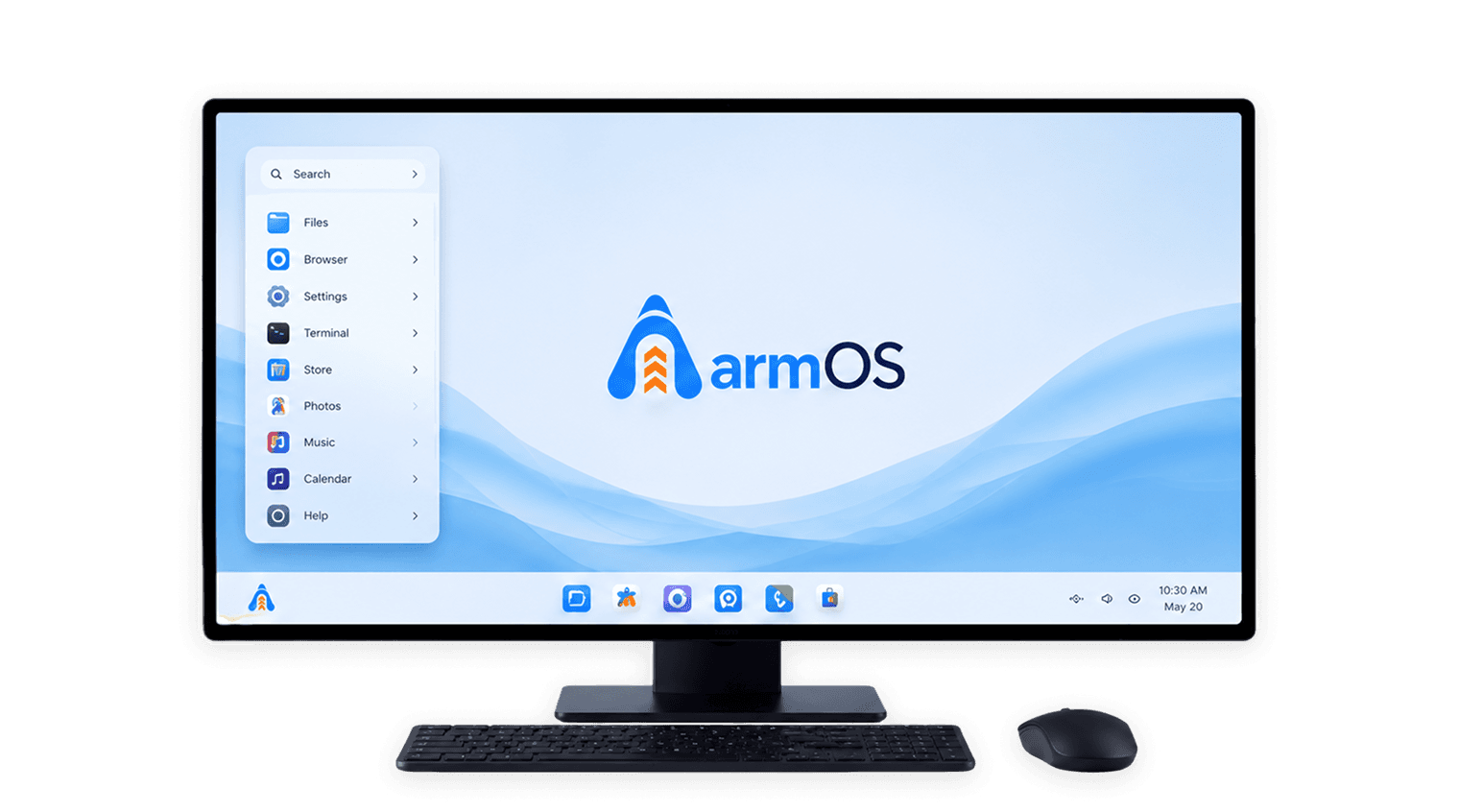
The desktop looks like the Windows 11 interface and is based on KDE Plasma 6, while ARM Brain is positioned in the taskbar on the desktop, along with a unified file explorer and settings panel and an app store.
Built into ARMOS, rather than bolted on, ARM Brain is designed to be integrated into the end-user's operating system. It works locally, is account-free, and never pushes files, prompts, or activity to a server, either online or offline.
For ArmOS, no special action is required when opening a Windows application. ArmOS examines the file, determines its application type, and automatically delivers it to the appropriate runtime.
support most common Windows applications.
via the same technology as Valve does on Steam Deck: Proton 9
managed by .NET 10 and Mono 6, which encompass everything from legacy .NET to the latest.
managed by the Wine COM subsystem, which includes Office automation & legacy enterprise tools.
this is an experimental feature available in ARMOS v2.0.
No configuration. No compatibility guides. Open the file; it is all ArmOS!
ArmOS comes with three desktop environments. You can use a keyboard shortcut to switch between them, without the need to reboot your computer.
The Default. A KDE Plasma 6 Desktop With A Windows 11 Look And Feel.
A Typical Ubuntu Gnome Window Manager For Developers Who Want To Use It.
A Full-Screen Version Of A Terminal For Power Users. No Graphical Overhead.
Built into ArmOS, ARM Brain is an AI assistant. It is fully self-contained on your device — no cloud, no account, no data sent anywhere.
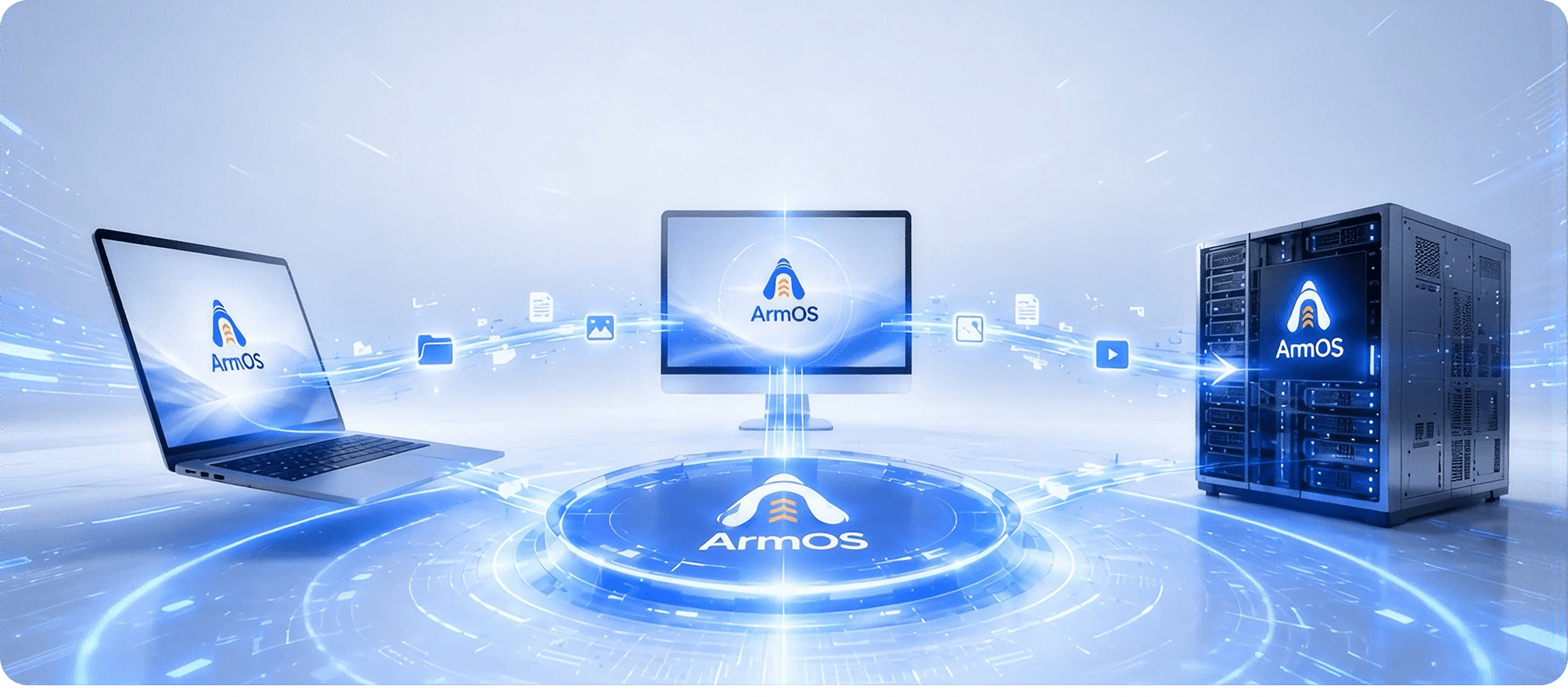
Your daily-driver OS. You can play full Windows applications through Wine 11 and Proton 9, a KDE Plasma 6 shell, and has native support for Android apps — all within the hardware you own.
Headless version for rack, cloud and edge deployments. Built using KVM/QEMU virtualization system, Docker and k3s Kubernetes with pre-configured full Windows Server 2025 system.
16GB of RAM, 512GB of SSD, and an RTX-class GPU, all combined into a mobile device. Runs on the same firmware as ArmOS Desktop, and it syncs in real time, with full convergence mode in Phase 2.
Built into ArmOS, ARM Brain is an AI assistant. It is fully self-contained on your device - no cloud, no account, no data sent anywhere.
Use plain language to search your files, settings and applications. You don't have to be specific about what you're looking for or where it lives.
ARM Brain observes your typing and offers you commands you might need, and detects errors before they are executed. Ideal for all levels of skill.
It can be linked up to retrieve live web results in Samoogle. It has the same functionality and no waiting time when offline.
Lightweight models can run on standard machines. The full large language models are locally deployed on NVIDIA, AMD or Intel Arc GPUs. No subscription needed.
A lightweight model is automatically selected for simple questions. They're complex and automatically escalate - ARM Brain keeps them running on regular hardware.
ARM Brain monitors security events around your system all the time silently, without disrupting your work.
ArmOS-capable devices communicate directly with other devices via a cryptographic identity, which is not based on any IP address. No central server or cloud routing.
All ArmOS devices come with a permanent cryptographic identity. Trusting devices connect directly, without a server in between or relying on the cloud.
The devices in a Local Group can use each other's GPUs, CPUs, and storage. All the devices in the group can utilise the powerful GPU of one of the machines.
For every unblocked compute or storage that you contribute to the group, you get ARM tokens. The token economy is entirely in Local Groups, and no external platform is required.
ArmOS protects by default from your drive to your network connections.
Insert an ArmOS drive into the machine and boot from it. No items are left on the host machine.
LUKS and MLDSA post-quantum encryption are used to fully encrypt the portable drive.
ArmOS has WireGuard - post-quantum encryption and automatic setup. Zero Trust P2P connectivity and secure mesh networking by Nebula and NetBird.
Your Wallet is Yours.
ARMwallet is always installed at boot time on all ArmOS devices. There's no separate download, no account set-up, and no third-party service needed.
Donate a device to ARMchain and receive ARM tokens in exchange for providing spare compute and/or storage power. It is always your decision to be involved - you are in control.
Protected by MLDSA post-quantum encryption for every wallet operation and chain transaction. Your tokens and transactions are safe from threats both past and present.
Two systems are quietly operating in the background — one to safeguard your data, the other to keep your device connected to the future of AI.
ArmOS immediately activates real-time mirroring when it finds a second disk. The other drive immediately takes over if the first one fails. You can always restore your system thanks to built-in snapshots.
It is first desktop operating system with native ARD capability, specifically created for the Agentic Web. No need for human setup; each device automatically advertises its capabilities, enabling AI agents to safely find, confirm, and connect.
GPU-Accelerated, Multi-Shell and First-boot Ready.
WezTerm is a fast, responsive, fully configurable terminal, shipped with ArmOS, powered by a GPU.
It comes pre-supported for bash, zsh, fish, and PowerShell Core. Windows scripts for command prompt execute via a compatibility layer.
SSH is turned on by default in Professional and Server editions. No setup needed - connect to remote machines as soon as ArmOS is installed.
ArmOS is developed using the best of open-source solutions. All components are documented. Nothing is hidden.
Join developers and businesses already building on ArmOS. Free to download. Free forever for personal use.